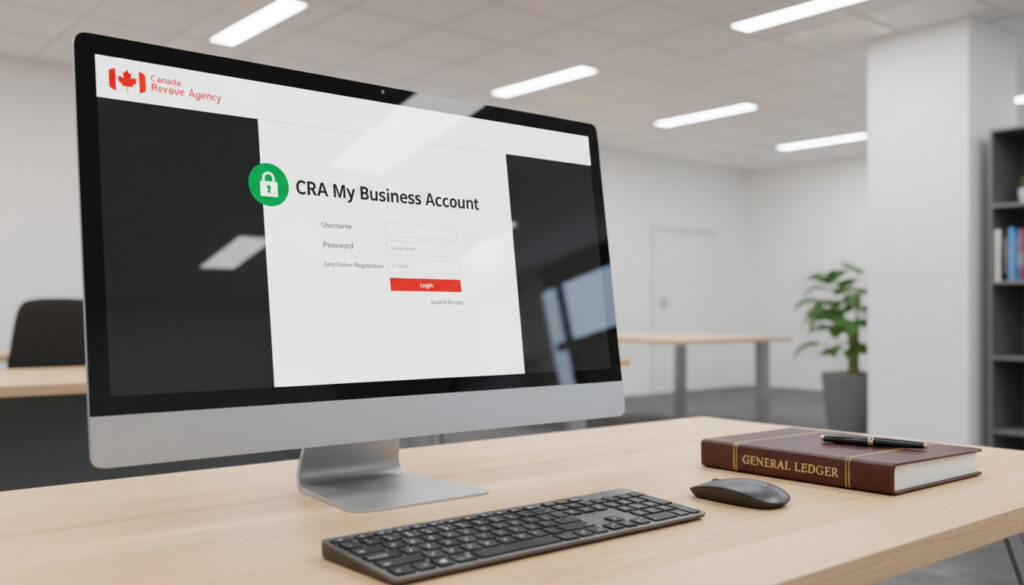
My Business Account CRA – How to Register and Log In
CRA My Business Account serves as the central digital hub for Canadian businesses managing federal tax obligations. Launched in 2001, this secure portal enables entrepreneurs and corporate entities to file returns, monitor balances, and handle correspondence with the Canada Revenue Agency without paper-based processes.
The platform supports various program accounts including corporate income tax, payroll deductions, and GST/HST. As of June 16, 2025, the CRA mandates that all business correspondence occur through this electronic system, marking a definitive shift away from traditional mail.
Understanding how to access and utilize this service has become essential for compliance. Registration requirements, security protocols, and practical applications vary significantly by business structure.
What Is CRA My Business Account?
Service Overview
- Secure online portal for GST/HST, payroll, and corporate tax management
- Requires valid 9-digit Business Number (BN) for registration
- Represent a Client functionality for accountant authorization
- Multi-factor authentication mandatory for all login sessions
- 24/7 access available except during maintenance windows
- Supports electronic filing for T2, T4, and GST/HST returns
| Fact | Details | Source Type |
|---|---|---|
| Launch Year | 2001 | Official CRA |
| Mandatory Digital Date | June 16, 2025 | CRA Advisory |
| Business Number Format | 9 digits (BN) | CRA Documentation |
| Supported Program Accounts | RC, RP, RT, GST/HST | CRA Services |
| Verification Methods | Photo ID + mobile or Mailed code | Registration Guide |
| Security Requirement | Multi-factor authentication mandatory | Security Protocols |
| Access Methods | CRA User ID or Sign-In Partner | Login Options |
| Representative Authorization | Level 2 access required | CRA Guidelines |
How Do You Register for CRA My Business Account?
Registration requires a valid Business Number obtained through Business Registration Online. Sole proprietors need their Social Insurance Number, while corporations must have their incorporation documents and program account identifiers such as RC for corporate tax or RP for payroll.
Prerequisites for Registration
Before initiating registration, entities must possess a 9-digit Business Number and active program accounts. Personal verification requires your date of birth, postal code, and the exact amount from line 15000 of your most recent tax return. An active email address and current mailing address are essential for receiving security verification codes.
Step-by-Step Registration Process
Visit the CRA registration portal and select “CRA register.” Enter your Business Number, Social Insurance Number, and personal verification details. Create a unique User ID and password, then answer five security questions for account recovery purposes.
Verification and Activation
Users may select immediate verification by photographing government-issued identification through their mobile device, or choose to receive a security code via postal mail within 5 to 10 business days. Enter the received code to activate full account functionality.
Gather your 9-digit Business Number, Social Insurance Number, date of birth, postal code, and the amount from your most recent tax return before starting registration. An active email address and current mailing address are required to receive security codes.
How Does the Login Process Work?
Access Methods
Users authenticate through either CRA-specific credentials or Sign-In Partner services utilizing existing bank credentials. The Sign-In Partner option provides immediate access without requiring mailed verification codes, provided your financial institution participates in the program.
Multi-Factor Authentication Requirements
Every login attempt requires multi-factor authentication. The system sends a one-time passcode via SMS, email, or authenticator app that must be entered within a limited timeframe. This security layer applies regardless of whether you use CRA credentials or bank-based authentication.
Managing Multiple Business Accounts
Entrepreneurs operating several entities can link multiple Business Numbers to a single login profile. After signing in, navigate to “Add account,” select “Business account,” and enter the additional 9-digit Business Number. Each business maintains separate records while remaining accessible under one user identity.
What Can You Do With CRA My Business Account?
Tax Filing and Payment Capabilities
The portal facilitates electronic submission of T2 corporate income tax returns, T4 payroll slips, and GST/HST remittances. Users may view current balances, configure direct deposit for refunds, and submit electronic payments directly to the CRA. All filings receive immediate confirmation numbers for record-keeping purposes.
Authorizing Representatives
Business owners may delegate access to accountants or legal representatives through the Represent a Client feature. Navigate to Profile, select Manage Authorized Representatives, and enter the representative’s Business Number. Granting Level 2 access permits the representative to view and modify all account types, though the owner must complete this authorization personally.
Beginning June 16, 2025, the CRA requires all business tax correspondence to occur electronically through My Business Account. Paper communications will no longer satisfy compliance requirements.
Business owners must personally authorize representatives through the Profile menu. The CRA no longer accepts phone-based authorization for Level 2 access to all accounts.
How Has CRA My Business Account Evolved?
- 2001: Initial launch as online business services platform, enabling basic electronic filing capabilities. — CRA Historical Records
- 2010s: Integration with Represent a Client system, allowing delegated access for tax professionals.
- 2020: Enhanced digital services introduced to accommodate increased remote work during the pandemic.
- 2023: Expanded mandatory electronic filing initiatives for specific business categories.
- June 16, 2025: Mandatory digital correspondence requirement takes effect for all business tax matters.
What Facts Are Established Versus Uncertain?
| Established Information | Information That Remains Unclear |
|---|---|
| The service is free for all registered Canadian businesses | Potential future fees for premium features remain unconfirmed by the CRA |
| Requires distinct BN15 format for each program account | Specific timeline for mobile app feature parity with the web platform |
| Exclusively for business use; personal taxes require My Account | Long-term retention policies for inactive business accounts |
Why Does Digital Tax Management Matter for Canadian Businesses?
Electronic tax administration reduces processing delays and minimizes errors associated with paper submissions. The system maintains comprehensive audit trails of all filings and payments, providing legal protection for businesses during disputes. Similar to how residents might consult a Walk In Clinic Saskatoon Guide for immediate healthcare navigation, businesses require immediate digital access to tax services to maintain operational continuity.
The mandatory shift to digital correspondence by 2025 eliminates postal delays that previously complicated deadline compliance. Real-time balance monitoring allows businesses to identify discrepancies immediately rather than waiting for paper statements. These capabilities prove particularly valuable for small and medium enterprises managing cash flow during quarterly remittance periods.
What Do Officials Say About My Business Account?
My Business Account provides secure access to your tax information anytime.
— Canada Revenue Agency
Key Takeaways for Business Owners
CRA My Business Account represents the mandatory standard for federal business tax administration as of mid-2025. Successful registration requires preparation of your Business Number, personal identification, and verification documents. Selecting the appropriate access method—whether traditional CRA credentials or banking partnerships—depends on your immediate need for portal access. Just as consumers compare options through resources like The North Face Backpack Comparison before making equipment decisions, businesses must evaluate their authorization and security settings carefully. Regular monitoring of account notices ensures compliance with evolving digital correspondence requirements.
Frequently Asked Questions
Can I register multiple businesses under one My Business Account login?
Yes. After logging in, select “Add account” followed by “Business account” and enter the 9-digit Business Number for each additional entity. Each business remains separate but accessible under your single user profile.
What should I do if I forgot my CRA user ID?
Use the recovery options available on the sign-in page. You will need your Social Insurance Number and information from your most recent tax return to verify your identity and retrieve your credentials.
Is there a mobile app for CRA My Business Account?
The CRA offers limited mobile functionality. While some services are accessible via mobile browsers, the full feature set remains primarily web-based. Check the official CRA mobile services page for current capabilities.
How long does it take to receive a security code by mail?
Mailed security codes typically arrive within 5 to 10 business days. Ensure your mailing address is current in CRA records before requesting verification by mail.
Can I authorize my accountant to access my business tax information?
Yes. Navigate to Profile, then Manage Authorized Representatives. Enter your representative’s Business Number and grant Level 2 access to all accounts. You must complete this authorization personally; phone authorization is not permitted.
More related posts
 Lisa Rinna: Life After Housewives, Lips, and Family Health
 Aaron Phypers: Divorce, Career & Net Worth in 2025
 WWW Disquantified Org – Purpose, Philosophy and Features
 Canada Workers Benefit Eligibility: 2025-2026 Requirements
 Dylan Wang: Relationships, Height, Movies & Controversy
 APA 7 Title Page: Formatting Guidelines & Examples
 SNL Beavis and Butt-Head Sketch: Cast, Episode & Awards
 Oxford Dictionary: Free Online, App, PDF, and Book Guide
